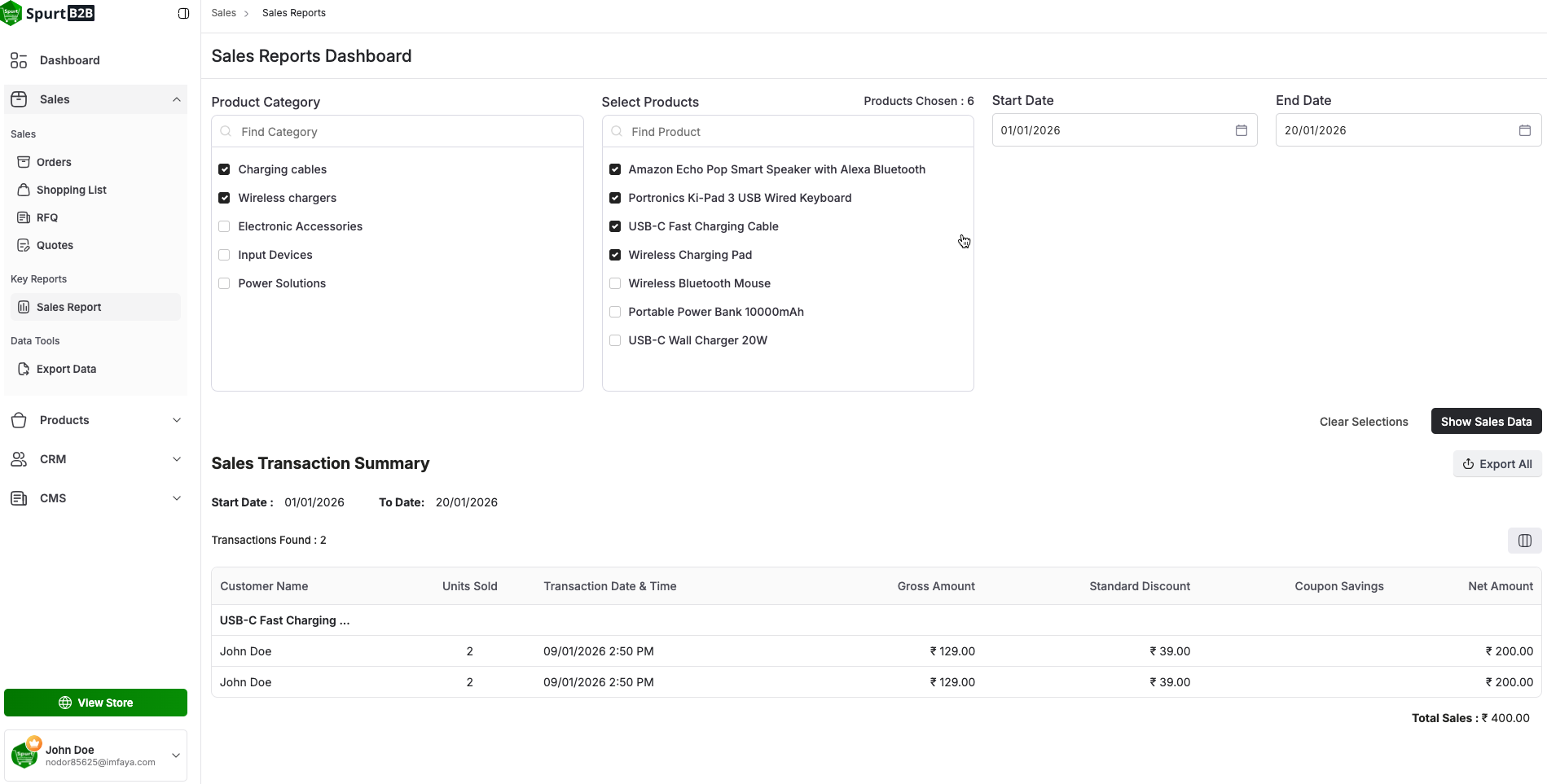
Sales Report
PLAY VIDEO
Sales Report
The Sales Analysis function, which provides a thorough picture of sales performance across all products uploaded by sellers, will help you make better decisions. Choose particular date ranges, such as the previous month, three months, and six months, to personalize your research. Then, further hone it with ranges. This comprehensive tool promotes strategic planning and expansion by offering in-depth insights into the overall sales environment.
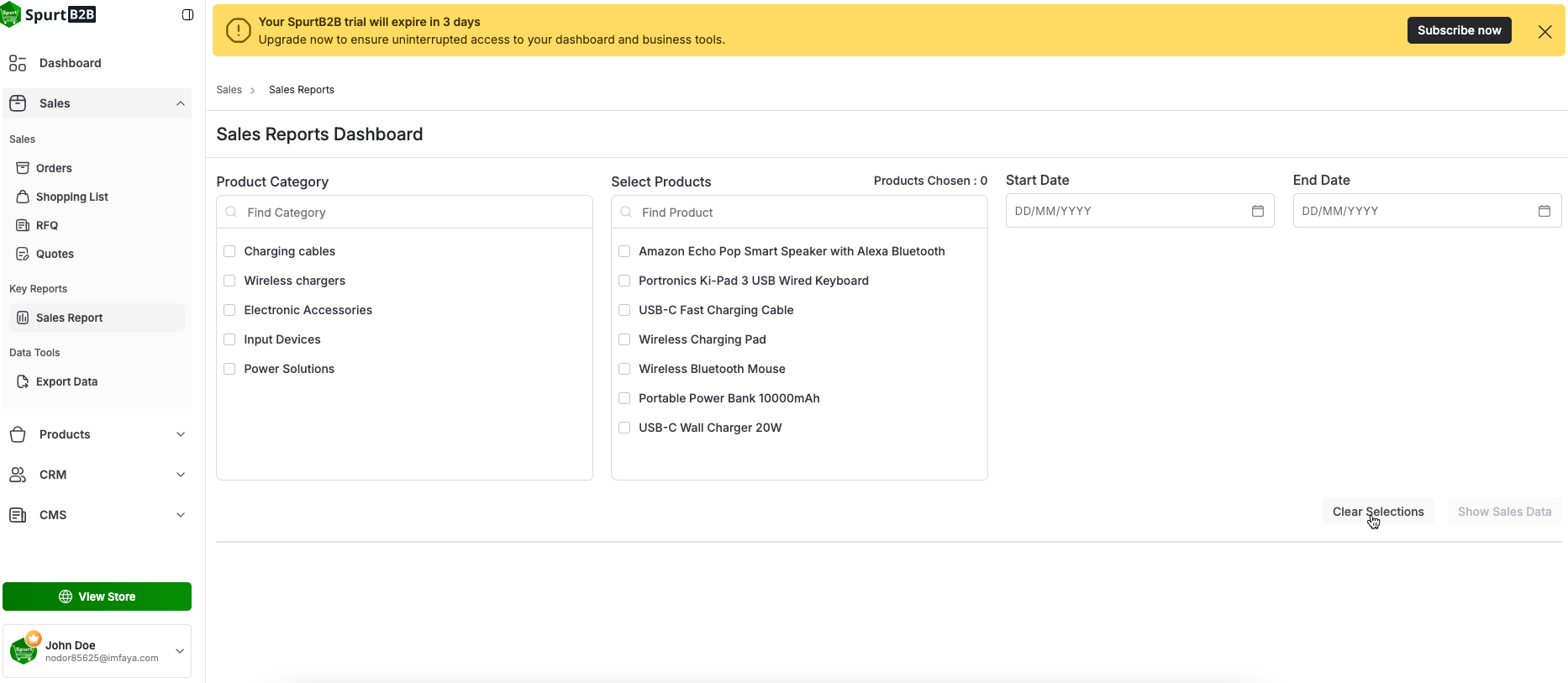
1. Adaptable Product Selection
Category-wise or Direct Product Selection: For a thorough study, the administrator can
analyze
sales statistics by selecting a specific product or an entire category.
Custom Date Range: To filter and
analyze
sales performance over any desired
time period
, use
particular date
ranges.

2. Detailed Sales Insights
Comprehensive Data View: See who placed the order, how much was sold, how much was discounted, and the precise dates of the sale—all in one location
.
Product-Level Breakdown: Track sales patterns and individual product performance to pinpoint best-selling and underperforming items.
3. Smarter Decision-Making
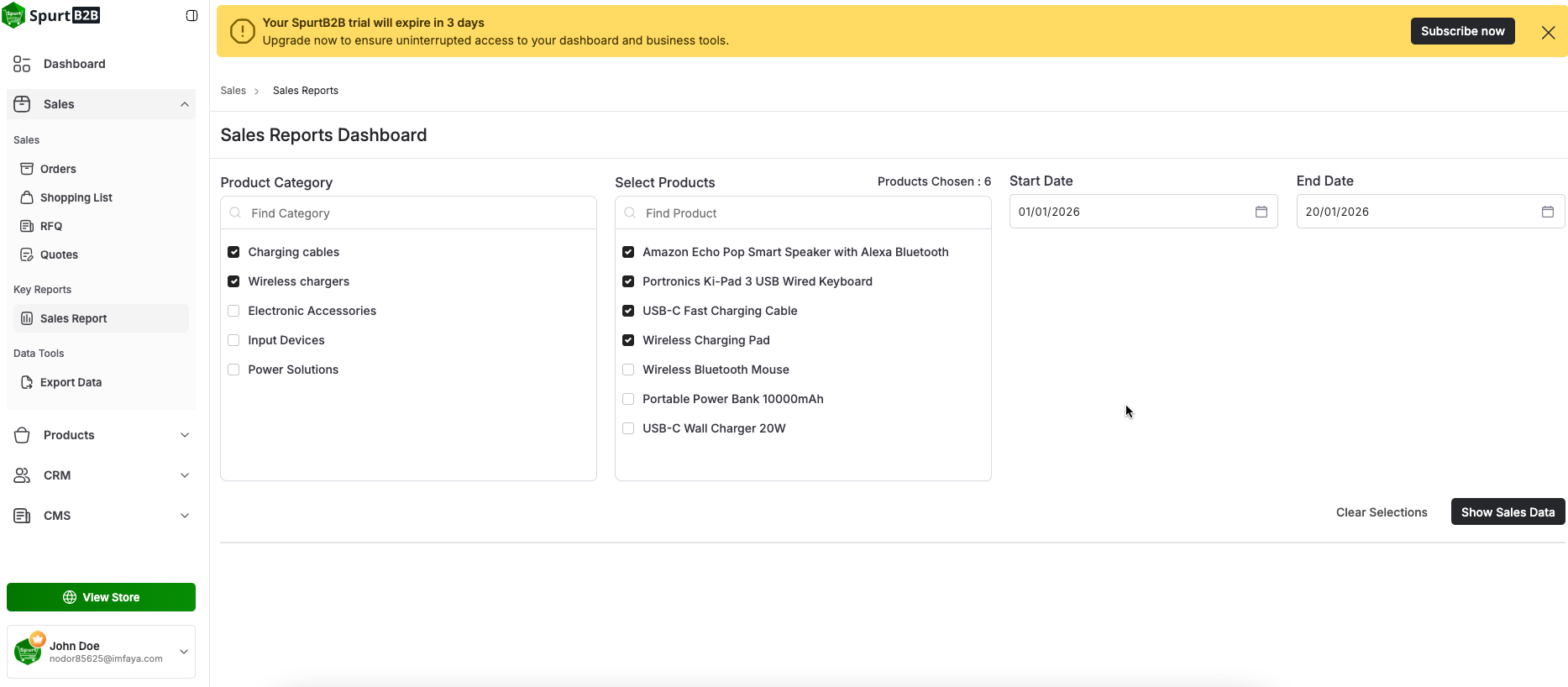
Data-Driven Management: Make educated choices about pricing, promotions, and inventory scheduling using these Information